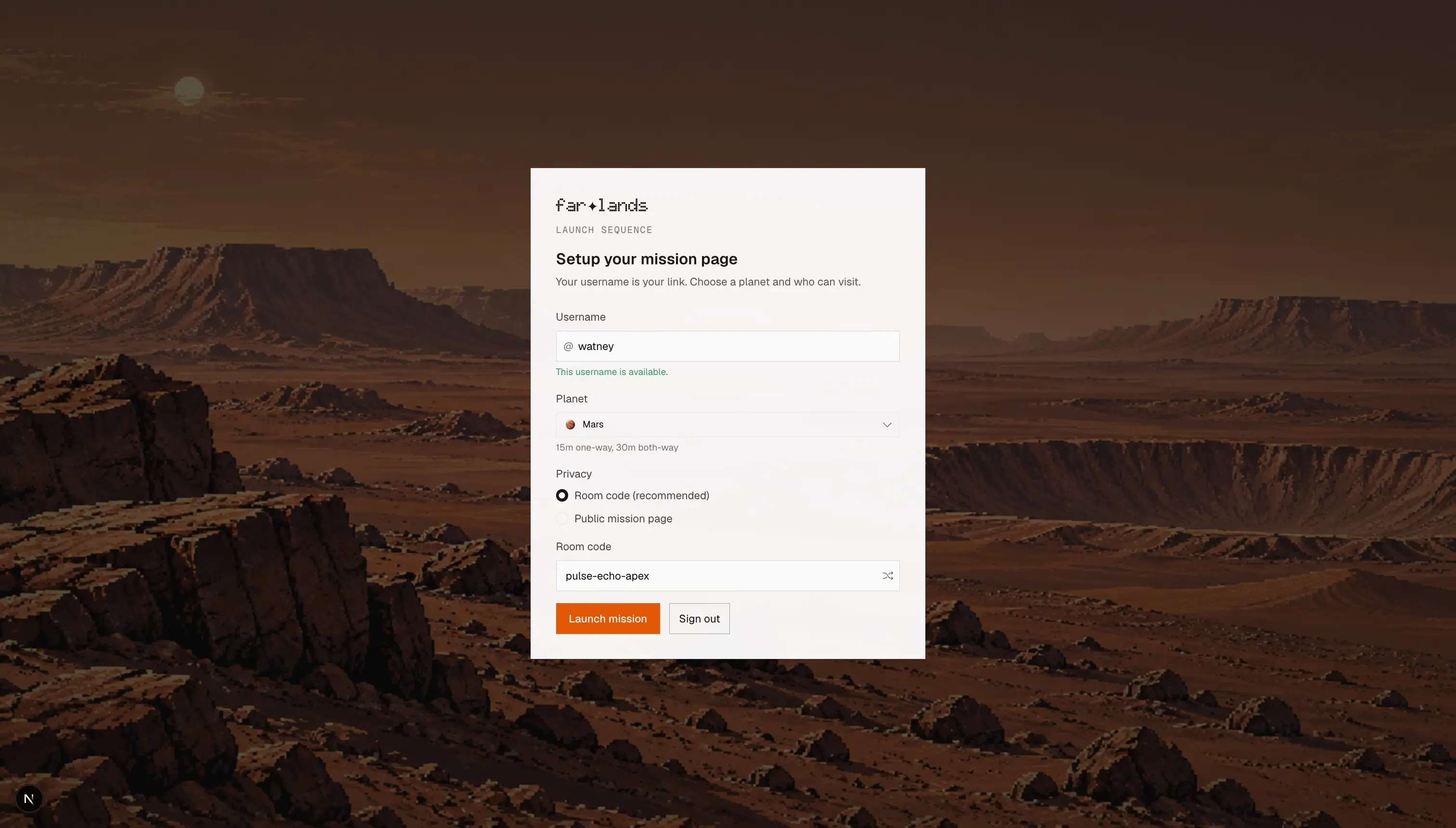
Launch your console
Sign in and pick a username. Open the focus timer when you want a timed sprint. This is mission control, not another chat app on your home screen.
Farlands is a focus app that puts you on another planet.
Put your phone on Airplane Mode, share the link with your friends, start a focus timer or Pomodoro session, and let messages arrive with a delay.
Farlands
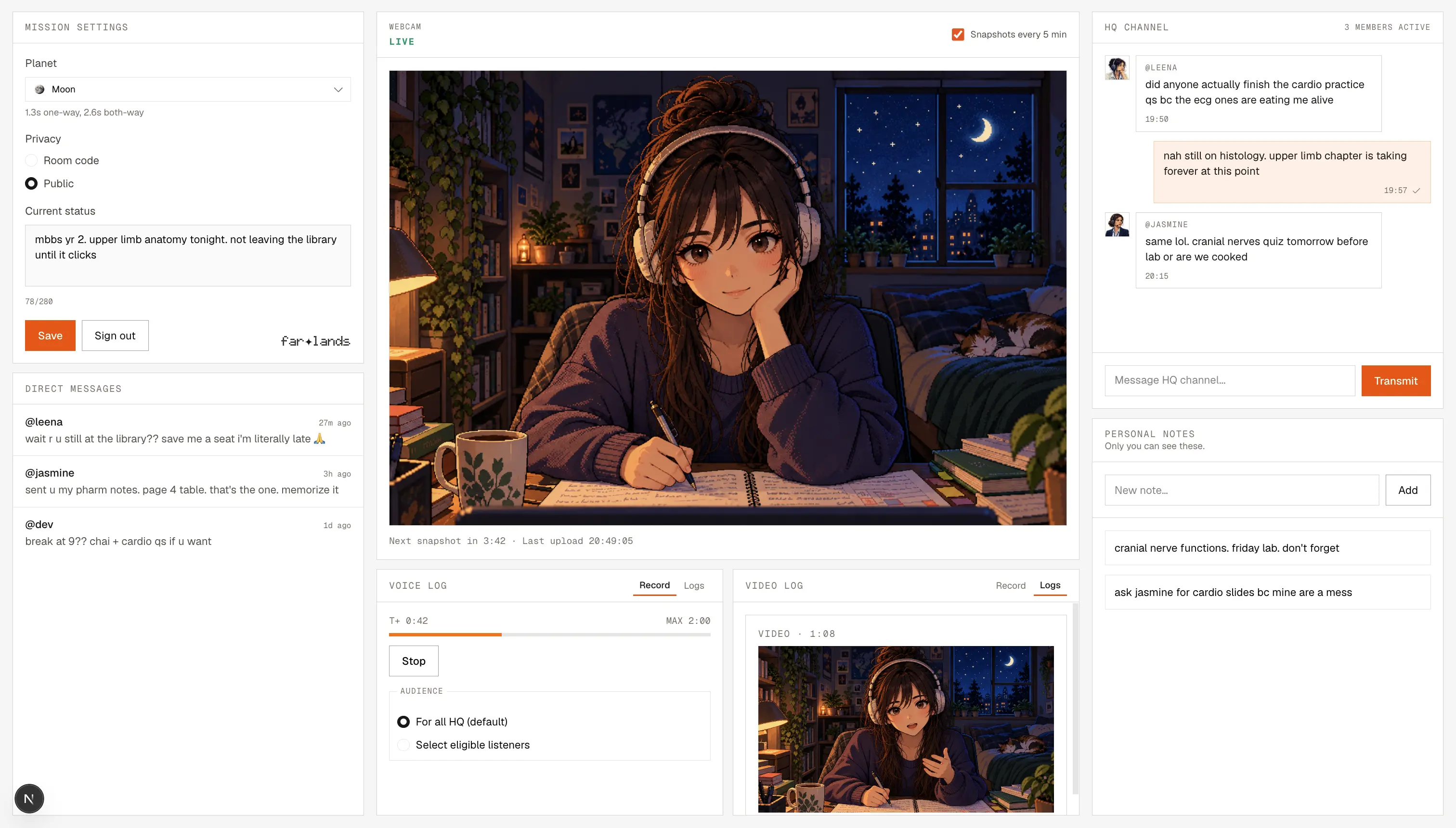
You sit down to work, your phone buzzes, and you tell yourself you will ignore it.. but you don't. Farlands does not ask you to be stronger. It gives you a story so believable that checking messages feels like breaking mission protocol.

You are the astronaut. Your work is the mission. Everything else can wait.
01
Pick Mars, and a reply takes half an hour. That gap is the whole point.
02
Friends and family visit your page. There is no feed, no stories, nothing infinite. You say what you need to say, and you go back to the task.
03
You are not trying to be productive, you are on mission. It sounds silly until your brain accepts it.
04
Your console has a focus timer with Pomodoro-style work and break cycles. Presets or custom lengths, same mission story holding the session together.
05
People you trust can still find you, but they cannot demand you drop everything unless it is truly urgent.
Set up once, and every session after that makes locking in easier.
Sign in and pick a username. Open the focus timer when you want a timed sprint. This is mission control, not another chat app on your home screen.
Land on the Moon if you want light friction, or Pluto if you need to disappear for hours. The planet is how unreachable you are allowed to be.

Hand one URL to the people who need you, close the guilt, and get down to work. Messages arrive at the speed of light.
🧑🚀 Astronaut
Your console is the cockpit. You run a focus timer or Pomodoro session, log notes, and check in when you choose. The outside world waits for the next transmission.
🌍 Everyone
Your friends visit your page and leave a note. No TikToks, no Instagram Reels, and no guilt because you did not reply in thirty seconds.
Example: /watney
People who need to study, build, write, or recover without their phone owning their attention. If blocking apps has never worked for you, this is a different strategy.
TikTok and Meta spend billions curating the perfect algorithm to get you hooked to their platforms, and for the most part.. it works. But it stops when your phone's on flight mode and you're on Mars. The environment does the work, so you don't need to rely on being perfectly disciplined.
The planet you select determines how long until a message from Earth reaches you. Farther out means fewer excuses to break focus.
Yes. Your console includes a flip clock and a focus timer with work and break cycles, including presets and custom lengths. Use it for Pomodoro-style sprints while your mission page handles the people side.
Yes. Farlands is free to use. Premium is only if you want longer voice and video logs on your page.
On a public page, no - anyone can visit without signing in. On a private page, yes - your friends and family sign in, pick a handle, and enter your room code to join.
There's no feed, no pressure of always being available and easy to reach. Your friends visit you like checking up on an astronaut on another world instead of blowing up your notifications.
Someone on your page can trigger SOS, and you get an alarm on your console tab immediately.
Open your console, start a focus timer, pick a planet, and make the internet wait.